Procurement automation uses software to move routine purchasing work from email, spreadsheets, and paper forms into controlled digital workflows. It can route requisitions for approval, compare supplier quotes, create purchase orders, match invoices, and flag exceptions. A buyer might submit a request for laptop chargers; the system checks budget rules, sends it to the right approver, and records the decision. Less chasing. More traceability.
The business case is real, but results depend on process quality. Deloitte’s 2023 Global Chief Procurement Officer Survey reported that 71% of procurement leaders expected digital transformation to be a significant priority over the following 12 months. That signals strong interest, not guaranteed savings. Automation can speed up repetitive tasks and improve visibility into spending, yet messy supplier data or unclear approval rules can simply make errors happen faster. That part is easy to underestimate.
This guide explains what procurement automation is, how it works, and where it fits across the purchasing cycle. It also examines common tools, implementation steps, benefits, and practical risks. In many organizations, automation works best when teams first map how requests move between employees, finance, and suppliers. Then they choose software that supports those steps and preserves human review for unusual purchases. A system can route an invoice in seconds. It cannot always tell whether the purchase itself makes sense. That judgment still matters.
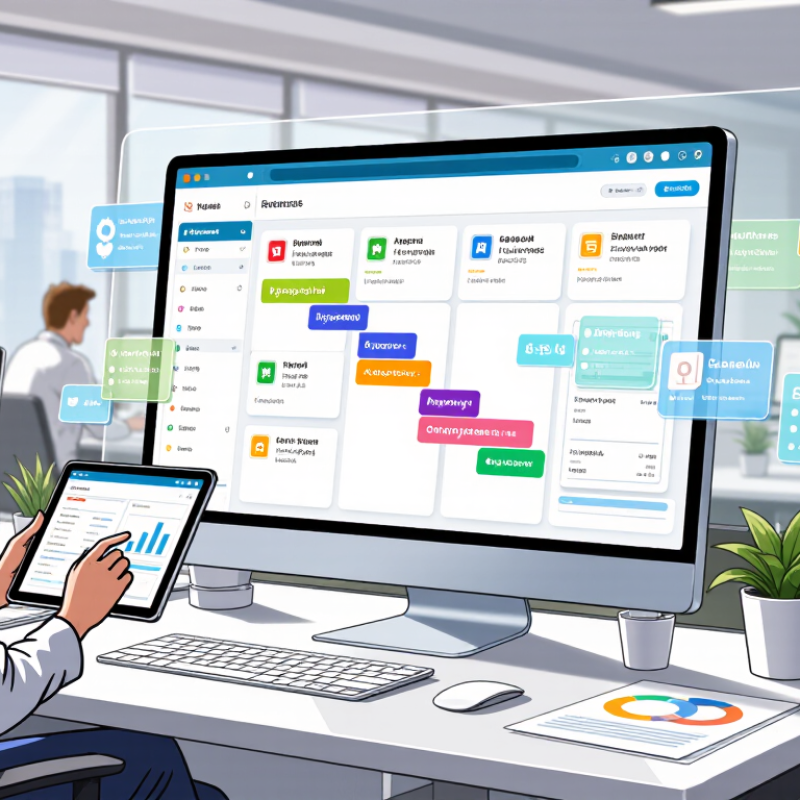
Procurement automation means using connected software to manage purchasing tasks with fewer manual steps. The system turns a purchase request into a controlled digital process. It can check budgets, approval limits, supplier records, and required documents. Instead of chasing emails, employees follow a visible workflow. A manager can review the request, approve it, or return it with a reason. That is the practical meaning. It is not simply buying faster.
In a typical workflow, an employee enters the item, quantity, cost center, and business reason. Rules then check whether the request meets internal policy. If conditions are satisfied, the request moves to the correct approver. Approved details can create an order record and support invoice matching. The process leaves a clear audit trail. Small details matter. A missing cost center can stop an otherwise valid request. Automation makes that weakness visible.
Reliable automation begins with accurate data and carefully designed rules. Procurement teams must define approval levels, supplier requirements, and local compliance controls. They also need to review exceptions instead of forcing every purchase into one path. Human judgment remains important. A system may approve a low-value request while missing an unusual purchasing pattern. That assumption is incomplete. Data can be outdated, and workflows can reflect old habits. Experience shows that regular testing, staff feedback, and measured adjustments make automated procurement more dependable.

What Is Procurement Automation and How Does It Work?
Procurement automation uses software to manage repetitive purchasing activities. It connects requests, approvals, orders, invoices, and supplier records in one workflow. A purchase request can trigger approval based on budget, department, or risk level. Once approved, the system can create an order and notify the supplier. It can also match invoices with orders and delivery records. This reduces manual entry and gives procurement teams clearer spending data.
Which Procurement Tasks Can Be Automated?
Routine purchase requests are strong candidates for automation. The system can route requests to the right approver and check basic policy rules. It can compare supplier quotes, organize contract details, and flag missing information. Invoice capture, duplicate detection, payment status updates, and receipt tracking can also run automatically. Supplier onboarding may include document collection, record checks, and renewal reminders. However, automation is not a replacement for judgment. A low-cost supplier may create quality problems. A clean data field may still contain the wrong information. Teams should review exceptions, unusual prices, and sensitive purchases carefully.
Tips: Start with high-volume tasks, such as invoice matching and approval routing. Clean supplier and item data before configuring workflows. Set clear approval limits and review them regularly. Keep an audit trail for every change. Test automation with real examples, including incomplete requests and late deliveries. Small mistakes can spread quickly, so monitor results during the first few months. Teams should also document manual overrides. That step is easy to overlook.
| Procurement Task | What Automation Does | How It Works | Typical Automation Level | Human Review or Control |
|---|---|---|---|---|
| Purchase requisitions | Captures requests, checks required fields, and routes them for approval. | Employees submit requests through a digital form. Rules check details such as category, cost center, and approval threshold before routing the request. | High | Approvers review requests that exceed delegated limits or fall outside policy. |
| Purchase order creation | Creates and sends purchase orders from approved requests or contract terms. | The system converts approved purchasing details into a standardized order and records it for tracking. | High | Staff handle unusual orders, changes to terms, or exceptions flagged by validation rules. |
| Invoice processing | Extracts invoice data, checks it against purchase orders and receipts, and routes exceptions. | Document recognition captures invoice fields. Matching rules compare quantities, prices, and other reference details before the invoice moves to payment processing. | High | Finance or procurement staff investigate missing references, mismatches, duplicates, and disputed charges. |
| Supplier onboarding | Collects supplier information and documents, checks completeness, and routes reviews. | Suppliers submit information through a structured workflow. Required fields and document checks identify incomplete submissions for follow-up. | Partial | Authorized teams verify risk, compliance, tax, and banking information before approval. |
| Catalog and contract purchasing | Guides buyers to approved items, suppliers, and negotiated purchasing terms. | Search and guided buying tools present configured catalogs or contract options during the request process. | High | Category managers maintain catalog content and review purchases that do not match available terms. |
| Spend classification and reporting | Organizes transaction data into categories and produces recurring reports. | Rules and classification models use available transaction details to assign categories, while dashboards summarize spend by period, supplier, or business unit. | Partial | Analysts review uncertain classifications and confirm that reporting reflects current business definitions. |
| Supplier performance monitoring | Consolidates delivery, quality, service, and issue data for review. | Configured scorecards collect available measures and highlight trends or results that cross defined thresholds. | Partial | Procurement teams interpret context, discuss findings with suppliers, and agree on corrective actions. |
| Policy and threshold checks | Flags requests or transactions that appear to fall outside purchasing rules. | Workflow rules compare submitted information with configured policies, approval limits, and required documentation. | High | Designated reviewers decide how to resolve exceptions and approve any permitted deviations. |
A purchase request becomes an order through a chain of checks, not a single click. An employee enters the item, quantity, delivery date, and business reason. The system checks required fields, budget availability, and approval rules. A request for office chairs might route to a manager, then to finance if it exceeds a spending limit. Simple requests can move quickly. Exceptions need human attention.
Once approved, the system converts the request into a purchase order, assigns a reference number, and sends it to the supplier. It can then match the order against the delivery record and invoice, flagging differences such as a short shipment or unexpected price. McKinsey Global Institute’s 2017 report, A Future That Works, estimated that 60% of occupations had at least 30% of activities that could be automated with then-demonstrated technologies. That is broad automation potential, not a procurement-specific result or a promise of hands-free purchasing. Details matter. Poor item descriptions, stale budgets, or unclear approval limits can send a request down the wrong path. Automation makes routine steps visible and repeatable, but teams still need to review exceptions and update their rules. Real workflows are rarely perfect.
When a delivery reaches the loading dock, procurement automation can turn a scanned packing slip into a receiving record. Staff confirm the item, quantity, and condition against the purchase order. A box marked for 24 units may contain only 22. The system can flag the difference before the record is approved.
That record helps check the supplier’s invoice. Software compares invoice details with the purchase order and receiving data, including quantities, prices, and dates. If all three match within set tolerances, the invoice can move to approval. If they do not, it goes to a person for review. A quick scan is not proof that goods arrived in good condition.
Payment follows the approval rules configured by the organization. The system can route invoices to the right reviewer, track due dates, and prepare approved payments for release. Staff can see who approved a change and when. That matters. It also makes small mistakes easier to spot. Automation cannot resolve every unclear delivery note or disputed charge; someone still needs to investigate. A misconfigured rule can send a valid invoice into a queue, or allow a questionable match through. Regularly reviewing exceptions and approval settings keeps the process grounded in what actually happens at receiving.
Procurement automation needs clear governance, not just faster approvals. Organizations should define which purchases move automatically, which require review, and who can change the rules. Set approval limits by category and value. Keep supplier records, decision logs, and exception reasons visible to auditors. Small details matter: a missing receipt or duplicate supplier record can send an otherwise routine request into manual review.
The OECD’s Government at a Glance 2023 reports that public procurement equaled 12.9% of GDP across OECD countries in 2021. That scale makes weak controls costly. Track request-to-order time, the share of transactions completed without manual handling, exception rates, and savings verified against actual invoices. Keep humans involved. A faster cycle time is not proof of better buying; it can hide rework, poor data, or purchases outside approved channels. We still miss things. Review a sample of completed transactions each month, including low-value orders, and compare system records with receipts and contract terms. If exceptions cluster around one category, revisit its rules rather than simply adding another approval step.
How organizations govern and measure automated procurement
Automation can route requests, apply approval rules, match invoices, and flag exceptions. Teams can govern these workflows with role-based access, approval limits, audit logs, and exception reviews. The chart shows a hypothetical example—not industry benchmark data—of how an organization might track processing time, touchless invoice matching, and policy compliance before and after automation.